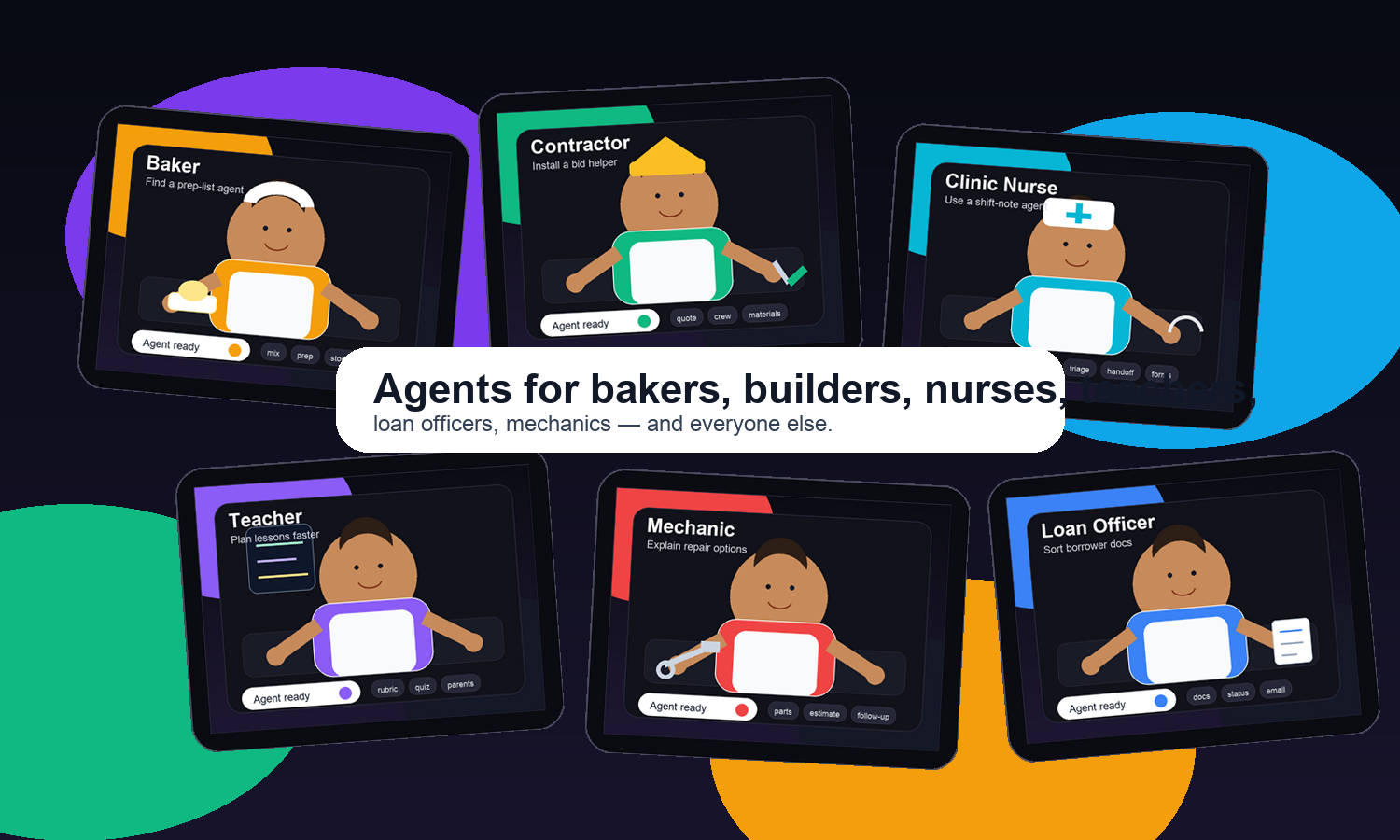
Agents for Allfind, install, use.
Why should tech bros have all the fun agents?
Find an agent for the job you actually do. Install it without becoming a prompt engineer. Use it as a chat, API, or website helper when real work shows up.
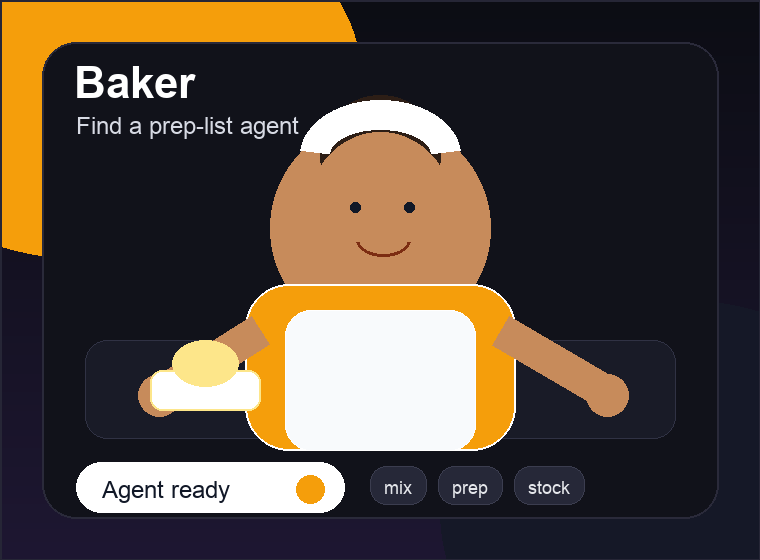
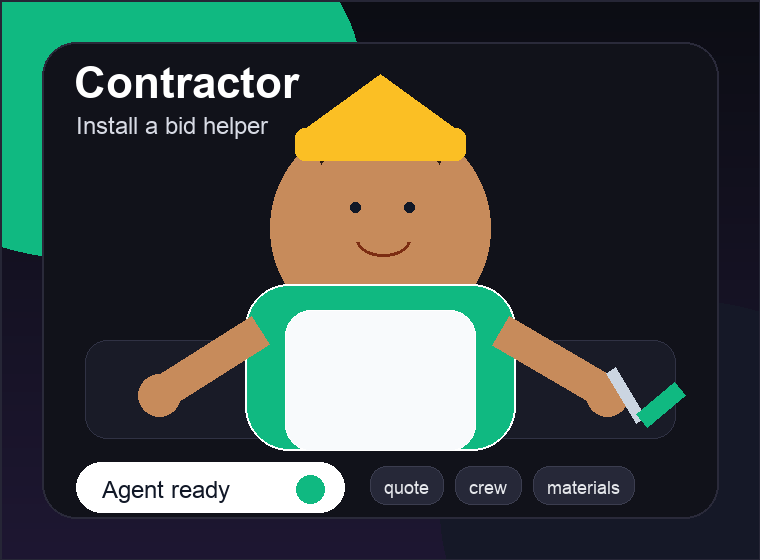
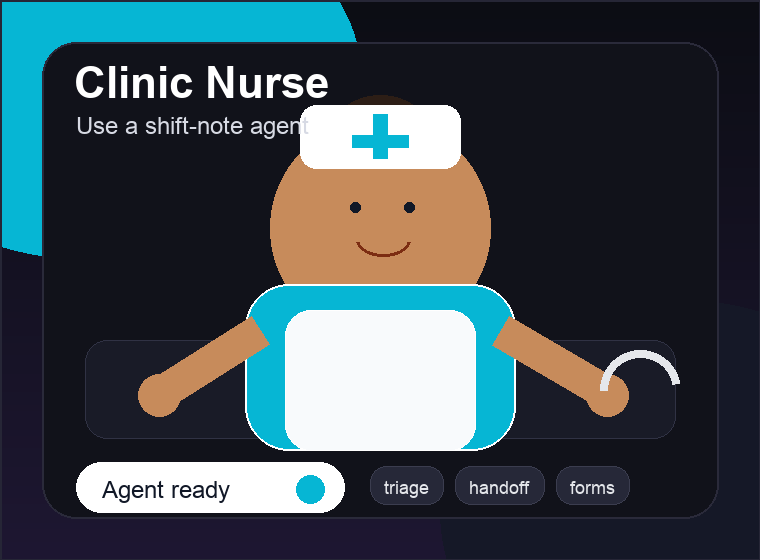
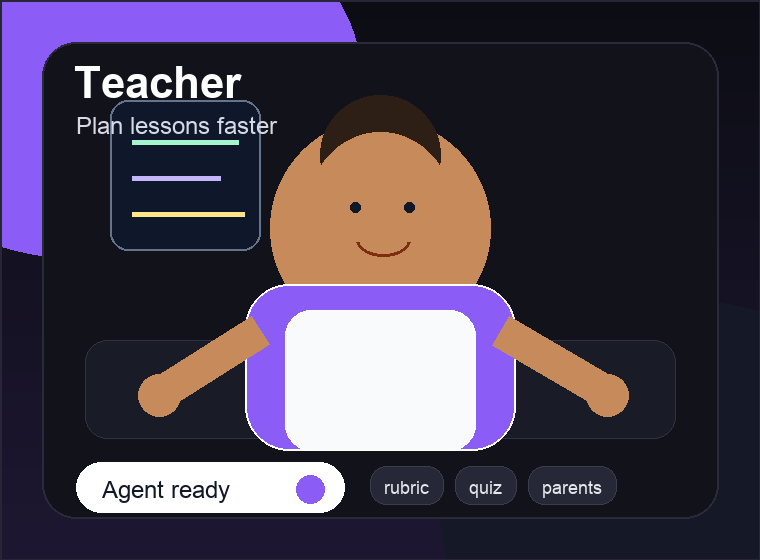
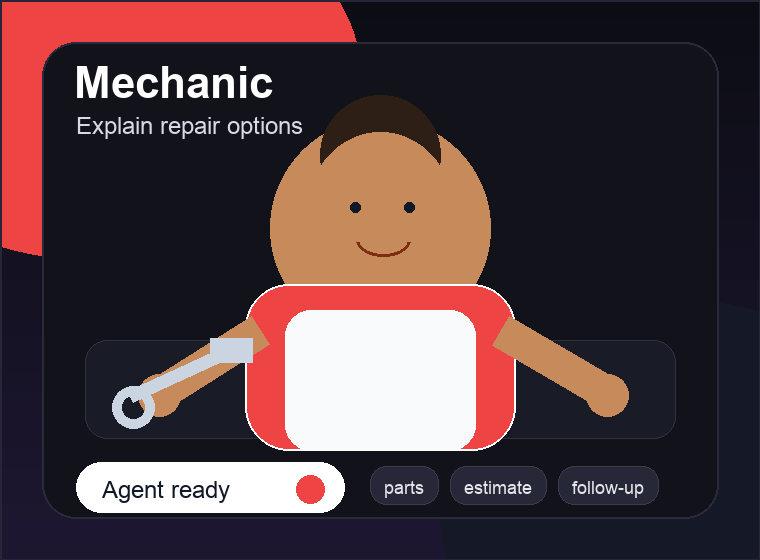
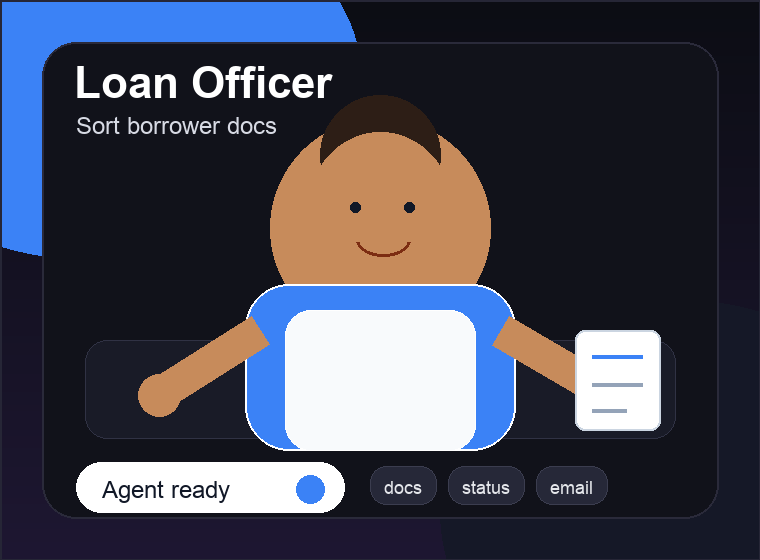
The agent store for people who do not want to become AI engineers.
Search like a normal person: "help my bakery prep for weekends," "summarize borrower docs," or "write a customer repair explanation." Agents for All turns that into something you can install and use.
Share it, embed it, or turn your know-how into a helper.
These are the product moments: create from intent, connect the needed apps or files, then use the agent where a real person needs it.




Add a helpful agent to a shop website
A shopkeeper can paste one snippet and give customers a simple FAQ helper for hours, returns, repairs, appointments, and policies.
Find, install, use. That is the whole loop.
Find
Search by job, task, app, or plain English. Start from the closest ready-made agent.
Install
Connect the apps it needs, review the simple workflow, and install a real package.
Use
Chat with it, share a link, embed it on a site, or call it through an API.
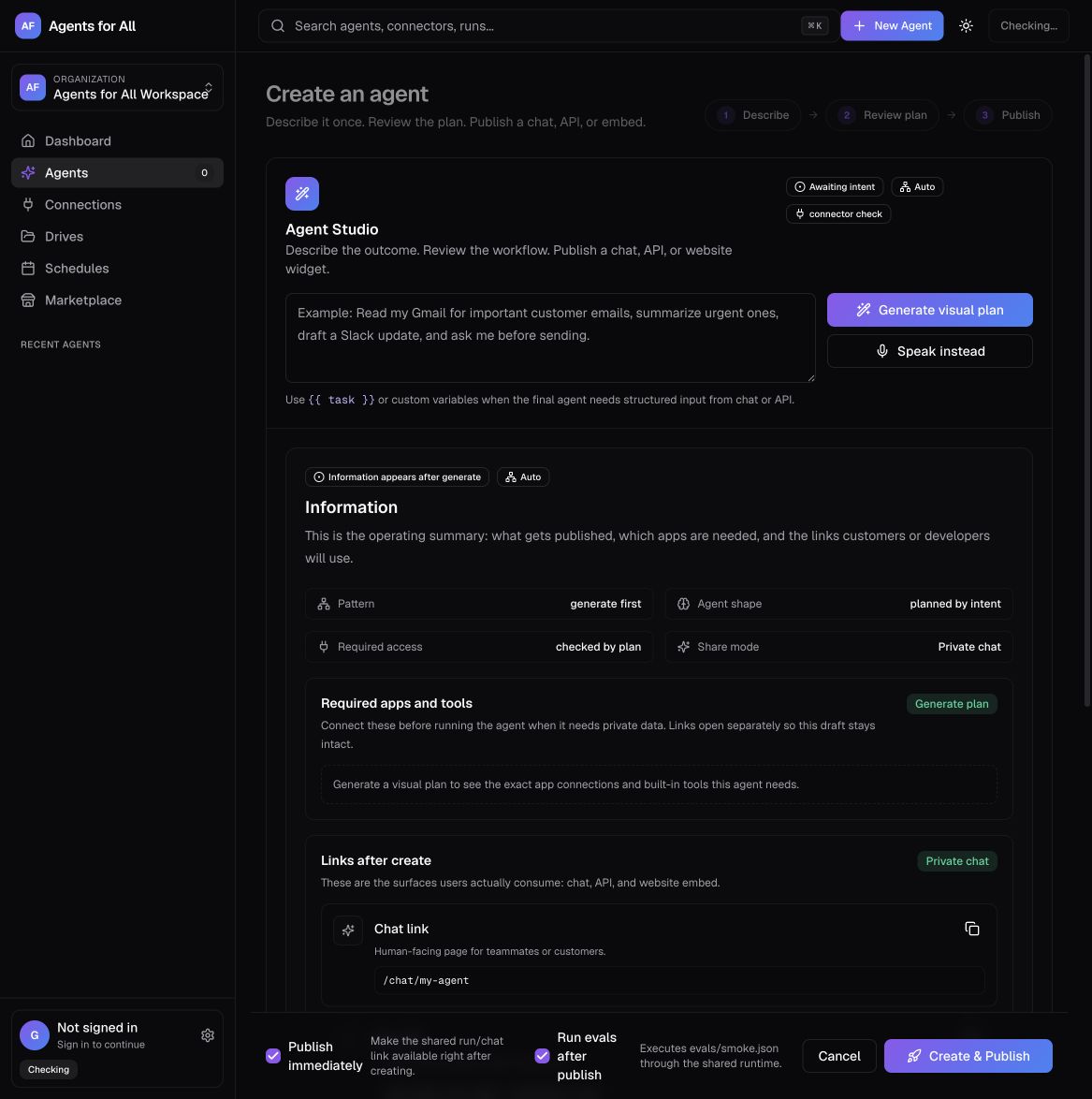
Say what you need. See the agent before you use it.
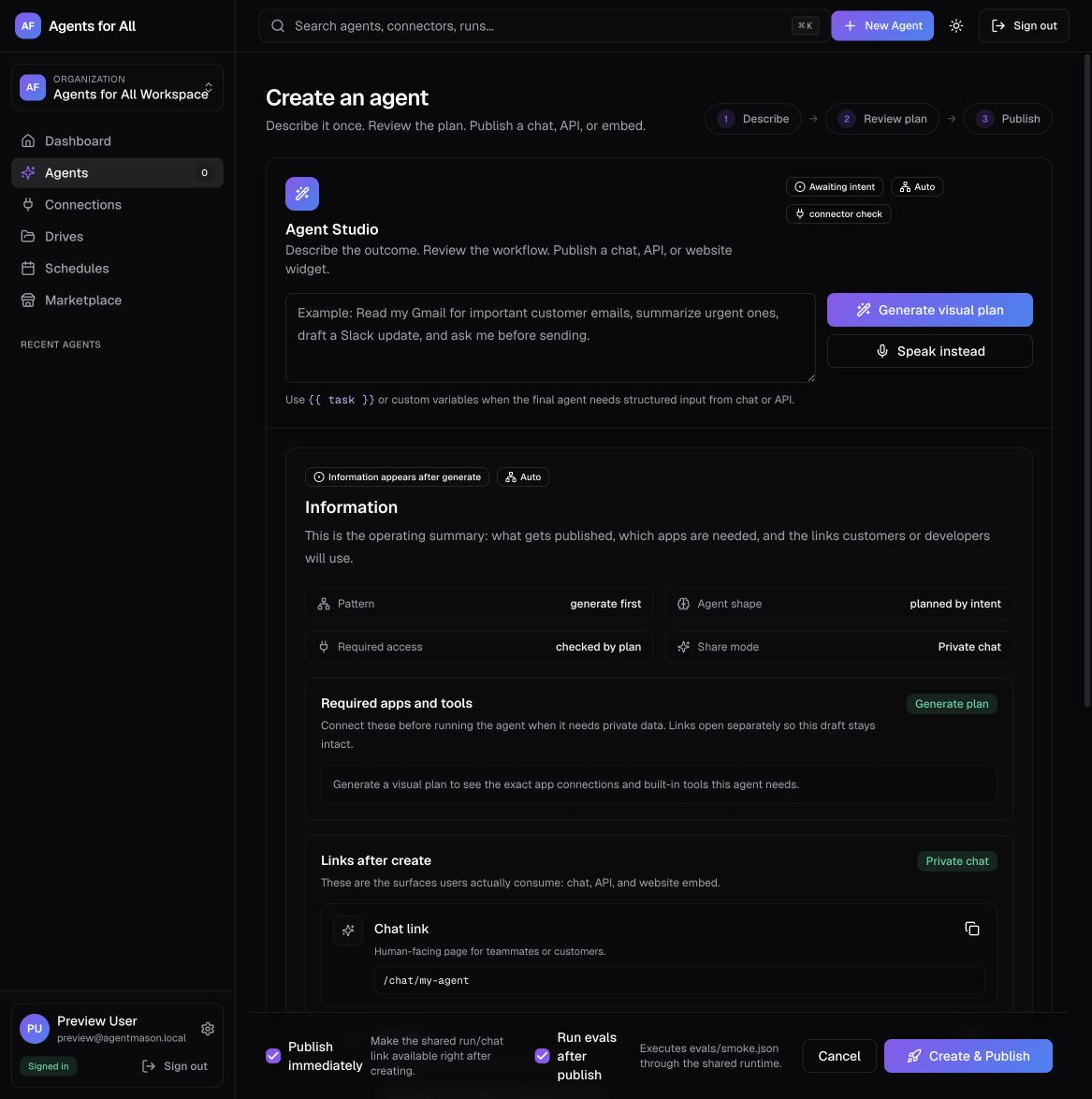
Type a plain-English task like 'help me sort borrower docs' or 'turn today's customer emails into follow-ups.' The studio drafts the workflow, suggests the apps it needs, and creates a real package you can inspect.
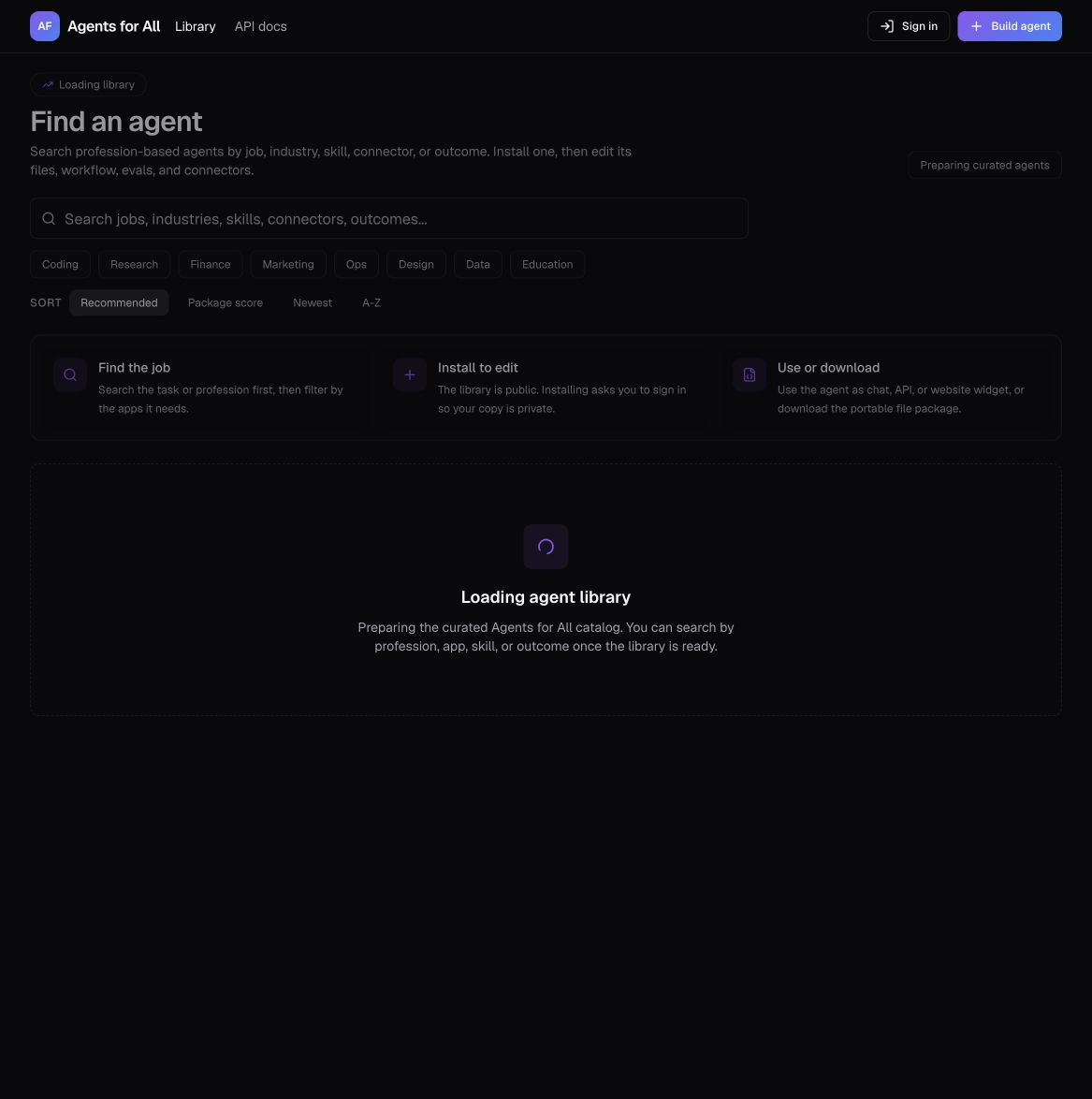
Find agents by the job you actually do
Search for baker, teacher, mechanic, nurse, loan officer, contractor, marketer, ops lead, or the exact task in your head. The library is curated so you are not digging through thousands of half-baked prompts.
Every agent is files, not a mystery prompt
Each agent ships as a package: a visible workflow, runtime spec, README, smoke evals, an example run payload, and an env template. Inspect every file, run evals before publish, and export to Claude Code or OpenAI.
Use it three ways
The same published agent works as a shareable chat, a run API, or a chat-bubble widget you drop on any site.
Chat link
Share /chat/your-agent. Recipients chat instantly — no workspace, no login for public agents.
Run API & MCP
Call the same agent from code with a scoped API key, or expose it to any MCP-aware client.
curl -X POST \
  "$BASE/api/agents/\
   web-search-agent/runs?wait=true" \
  -H "Authorization: Bearer $KEY" \
  -H "Content-Type: application/json" \
  -d '{"input":{"task":"Summarize AI news"}}'
Embed widget
Drop one snippet on any site to get a floating chat-bubble widget in the corner.
<script src="$BASE/embed/your-agent">
</script>
Powerful enough for builders. Friendly enough for everyone else.
Build, connect, evaluate, run, schedule, and share — all in one place.
Visual Agent Studio
Orchestration patterns from single agent to multi-agent handoff, loops, and human approval.
Curated library
~2,000 reusable agents across coding, research, finance, ops, design, data, and education.
Connectors
GitHub, Gmail, and Composio's 1,000+ toolkits via OAuth, plus any custom MCP server.
Built-in tools
Web search, browse, fetch, memory, calculator, sequential thinking, and code interpreter.
Evals
Smoke tests ship with every agent and run before publish so you know what works.
Runs & metrics
Trigger runs, watch the event timeline, and track success rate and latency.
Schedules
Run agents on a recurring schedule with notifications when they finish.
Drives
Upload files into searchable collections agents can read as grounded context.
Shareable chat
A focused public chat link recipients can use without ever seeing your workspace.
Embeddable widget
Drop a compact chat widget onto any website with a single snippet.
Run API + MCP
Call agents from code with scoped API keys, or expose them to MCP-aware clients.
Multi-model
OpenAI, Anthropic, Bedrock, Ollama, and OpenRouter — bring your own provider.
Which one are you?
Pick a ready agent, build your own, or operate them at scale.
No agent degree required
Build from intent, inspect every file
Keep agents safe and observable
Build your first useful agent in minutes.
Start with search if you know the job. Start with the studio if you already know the intent.